
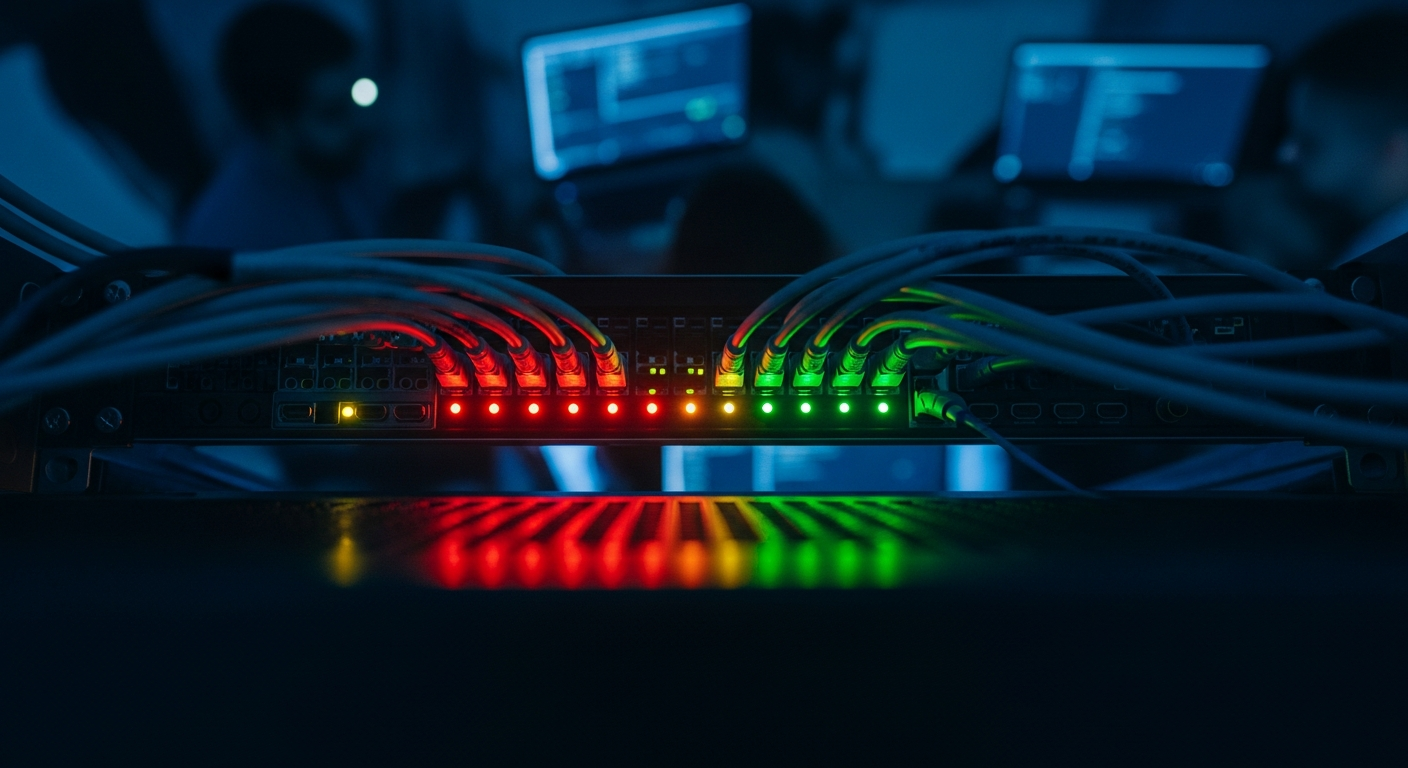
Monitoring Your Environment: 5 Questions to Ask Your IT Firm Right Now
Monitoring your environment is the single clearest dividing line between an IT firm that is genuinely protecting your business and one that is simply answering your calls. Most business owners have never verified that their IT firm is actually doing it — not describing it, not billing for it, but doing it. The gap between a provider watching your systems around the clock and one that simply responds when you call is enormous. You just will not see it until something goes wrong. Before that happens, here are five direct questions to ask your current provider, along with the answers that signal real coverage versus well-dressed helpdesk theater.
- The Difference Between Proactive Monitoring and Reactive Support
- Question 1: Can You Show Me an Alert That Fired Before I Noticed a Problem?
- Question 2: What Specifically Are You Monitoring — and How Often?
- Question 3: Who Reviews the Alerts, and What Happens When One Fires at 11 PM?
- Question 4: How Long Does a Threat Typically Sit in My Environment Before You Act?
- Question 5: Can You Walk Me Through the Last Time You Caught Something I Did Not Know About?
- Red Flags to Watch For
- What Good Looks Like
- How to Decide What to Do Next
The Difference Between Proactive Monitoring and Reactive Support
Reactive IT support is not a bad thing on its own. When an employee cannot print or a password needs resetting, calling the helpdesk is exactly right. The problem is when reactive helpdesk work is the entirety of what your IT firm does — and both of you quietly pretend it is something more.
Proactive monitoring means your provider has automated systems continuously watching your infrastructure: servers, endpoints, firewalls, backup jobs, login behavior, and more. When something drifts outside normal parameters, the system flags it and a human reviews it — ideally before you feel the impact. The goal is to catch the warning signs of failure, not the failure itself.
According to the Cybersecurity and Infrastructure Security Agency (CISA), the average attacker is already inside a network for days or weeks before anyone detects them. If your IT firm only knows something is wrong when you call, that window stays wide open. Actively monitoring your environment closes it.
Here is the practical test: think about the last three times something went wrong with your technology. Who called whom? If it was always you calling them, that is a data point worth sitting with.
Question 1: Can You Show Me an Alert That Fired Before I Noticed a Problem?
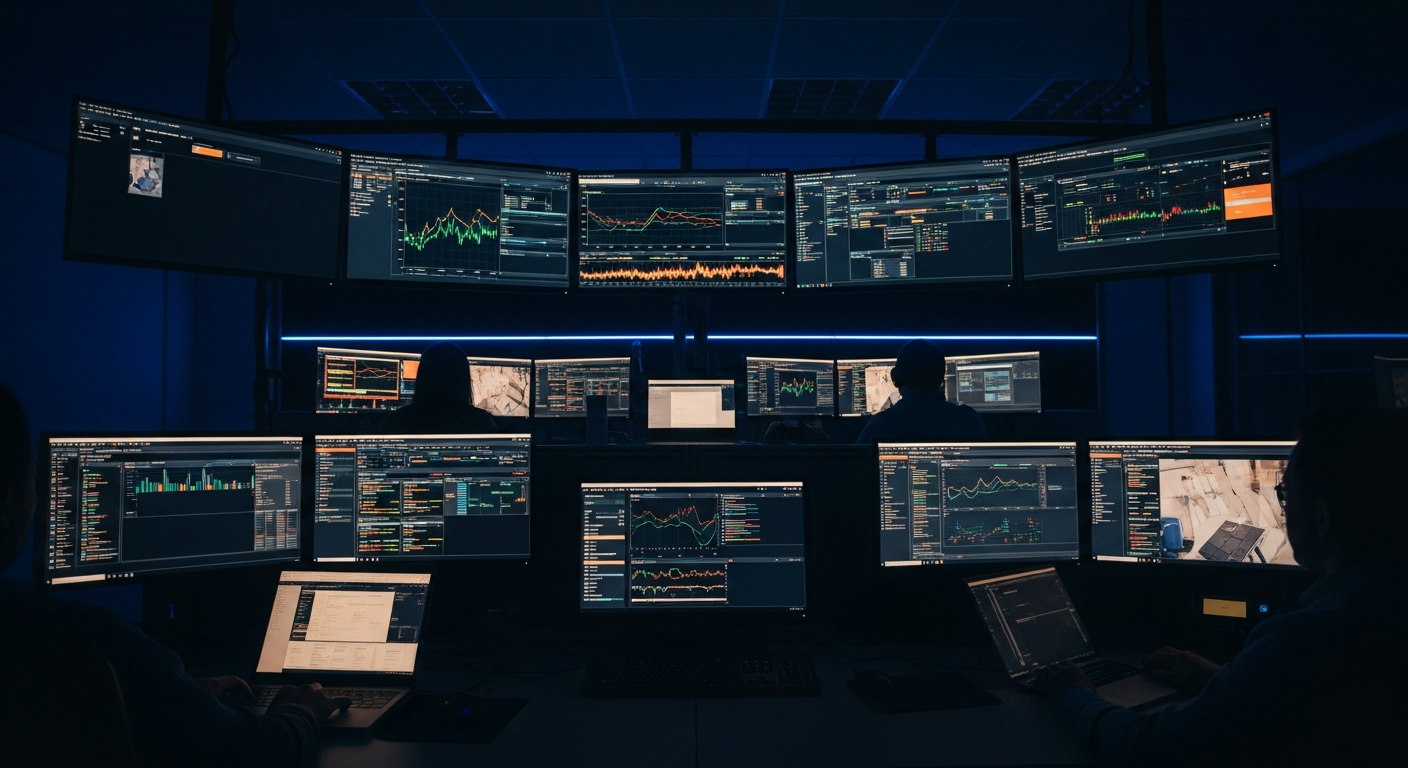
This is the fastest way to separate genuine proactive work from the appearance of it. Ask your IT firm to pull up a real example — from the last 30 or 60 days — where their monitoring system generated an alert and their team acted on it before you ever knew there was an issue.
A firm genuinely monitoring your environment will produce this immediately. They will have logs, timestamps, a description of what was detected, and what action was taken. It might be something unglamorous: a disk approaching capacity, a backup job that failed silently, or a user account logging in from an unexpected location after hours.
What a reactive firm does instead: describes monitoring capabilities in general terms, references the tools they use, or pivots to talking about response time after you call. Those are not the same thing. If they cannot show you a specific, recent caught problem you were unaware of, they are not proactively monitoring your environment — they are waiting for your call.
Question 2: What Specifically Are You Monitoring — and How Often?
Vague answers here are a red flag. “We monitor everything” is not an answer. A firm doing real work can give you a specific list. Push for it.
The minimum you should expect when your IT firm is monitoring your environment:
- Server health: CPU usage, memory, disk space, and temperature thresholds
- Endpoint security: whether protection software is active, updated, and reporting on every device
- Backup job completion: every scheduled backup confirmed as successful, with alerts when one fails
- Patch status: which devices are missing security updates and for how long
- Network perimeter: firewall logs, unusual inbound or outbound traffic patterns
- Identity and access: failed login attempts, logins from unexpected locations or unusual hours
- Application uptime: critical business applications confirmed as available
They should also tell you the frequency — is each category checked every few minutes, hourly, or once a day? For most of these, anything slower than every 15 minutes is too slow to catch a fast-moving problem before it cascades.
If your IT firm stumbles on this question, or gives you a generic rundown that does not map to your actual environment — your server names, your backup targets, your firewall — that is worth noting.
Question 3: Who Reviews the Alerts, and What Happens When One Fires at 11 PM?
Automated monitoring tools are only as useful as the humans who act on them. Many IT firms deploy monitoring software and then configure it to email a shared inbox that nobody checks until 9 AM. That is not protection — it is a timestamped record of how long a problem went unaddressed.
Ask your provider directly: if a critical alert fires at 11 PM on a Tuesday, what happens? Who sees it? How quickly? What is the escalation path if the on-call person does not respond?
A well-run firm has on-call rotation schedules, defined response time targets by alert severity, and escalation paths that do not depend on a single person being awake. They should give you a specific target response time for a critical after-hours alert. If the answer is “we handle that the next morning,” you now know your actual coverage window.
For context: our target response time at Xact IT is 15 minutes or less — typically a live answer. That is a discipline built deliberately over more than 20 years, not a number we put on a brochure.
Question 4: How Long Does a Threat Typically Sit in My Environment Before You Act?
This question is intentionally uncomfortable, and a firm worth keeping will not flinch. They should give you real numbers — what their internal metrics show for average time to detect and average time to respond across the alert categories that matter most.
The honest answer depends on severity. A low-priority informational alert sitting in a queue for hours is appropriate. A sign of active compromise, a ransomware precursor, or a sudden spike in outbound data transfer should trigger a human response in minutes.
If your provider cannot give you these numbers — or does not measure them at all — take that seriously. You cannot improve what you do not measure. A firm that does not track detection and response times is almost certainly not operating with the discipline that real monitoring requires.
Every hour a threat sits in your environment undetected is an hour it is doing damage, spreading, or moving data out. Firms that take this seriously treat detection speed as a core metric. Not an afterthought.
Question 5: Can You Walk Me Through the Last Time You Caught Something I Did Not Know About?
This complements Question 1, but pushes further. You are not asking for a system alert — you are asking for the full story. What was happening in your environment? How did monitoring surface it? What would have happened if they had not caught it? How did they communicate it to you?
A firm genuinely monitoring your environment should have stories like this regularly — not one every five years. If the best example they can offer is more than six months old, or if they struggle to recall one at all, that tells you something important about the actual frequency and quality of proactive work being done.
The communication piece matters too. Good monitoring is not just about catching problems internally — it is about keeping you informed. You should receive regular reports showing what was monitored, what was found, and what was done about it. If the only documents you receive from your IT firm are invoices, ask why.
Red Flags to Watch For
Beyond the specific answers above, these patterns indicate a reactive-only IT relationship dressed up as something more:
- Your IT firm only contacts you for billing or to respond to something you reported first
- They cannot produce monitoring reports on demand — or at all
- When you ask about a specific system, they have to look it up rather than already knowing it
- Their answers about after-hours coverage are vague or redirect to “we have a ticket system”
- They describe their tools more fluently than they describe your environment
- The last time something broke, they heard about it from you
None of these individually is a verdict. A pattern of them is. If several of these sound familiar, you likely have a helpdesk relationship — not a managed one. That is worth evaluating seriously with a provider whose core discipline is managed IT services built around proactive coverage.
What Good Looks Like When Monitoring Your Environment
A firm genuinely monitoring your environment operates more like a continuous presence than a vendor you call when something breaks. They know your systems well enough to notice when something behaves differently than it did last week — even if nothing has technically failed yet. They watch backup completions the way a pilot watches fuel levels: not because something is wrong, but because knowing the current state is what lets you act before it becomes wrong.
The best IT firms also connect monitoring to your business context. A failed backup on a file server storing nothing critical is a different priority than a failed backup on the system running your billing. Good monitoring is calibrated to that reality — and the firm doing it has taken the time to understand your business well enough to make that call.
The industry benchmark worth knowing: the NIST Cybersecurity Framework identifies “Detect” as one of its five core functions — alongside Identify, Protect, Respond, and Recover. Detection is not a nice-to-have. It is a foundational requirement of any serious security posture. If your IT firm is not building a documented detection capability into your environment, the rest of that framework is weakened by default.
Zero client breaches since 2004 across every client we have served is a number we are proud of — and it is not accidental. It is the result of treating monitoring your environment as an active, daily discipline rather than a line item on a contract.
How to Decide What to Do Next
Run these five questions with your current provider this week. Treat it as a business review, not an interrogation — any firm worth keeping will welcome the conversation and answer without hesitation.
If the answers come back strong — documented, specific, grounded in your actual environment — you have a clear picture of what you have. Ask for monthly monitoring summaries going forward so that picture stays current.
If the answers reveal gaps, the next decision is whether those gaps can be closed with your current provider or whether they reflect a structural limit in how that firm operates. Some reactive IT firms can genuinely evolve. Others are built for helpdesk volume and will always treat monitoring your environment as secondary to ticket throughput. Knowing which you are dealing with is valuable, even when the answer is uncomfortable.
The goal is not to create drama — it is to eliminate it. A business running on genuinely proactive IT coverage does not have board-level IT surprises. It does not learn about a security incident from a client. It does not discover a failed backup on the day it needs the restore. That quiet is what good IT management looks like from the outside. It starts with asking the right questions about how — and whether — your IT firm is monitoring your environment every single day.
If you want a second opinion on what your current coverage actually includes, Book a Free Strategy Call. It is a 20-minute conversation with our team — no pressure, no obligation, no sales pitch.
Get a Second Opinion
Sometimes the best thing you can do for your business is have someone outside your current vendor relationship take a fresh look. That’s what a strategy call gives you — 20 focused minutes with our team and a no-strings-attached read on what we’d recommend.